1Create your network
Sign up and pick a network name. You get your own private network and admin console.
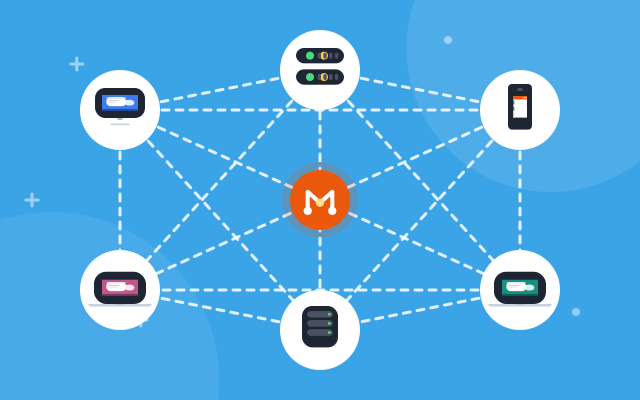
MAE Routing puts your computers, servers and containers on one private network, encrypted end to end with WireGuard. It works from any office, home or cloud, with no VPN server to run and no ports to open.
Windows · Linux · Docker
Use cases
Start with a few laptops and a server, then add branches, data centres and containers as you grow.
Replace the office VPN server with direct, encrypted links between devices.
Learn more →Reach SSH, RDP and admin pages without exposing them to the internet.
Learn more →Join office LANs, printers, cameras and NAS through a subnet router.
Learn more →Staff work from home or on the road as if they were at their desk.
Learn more →Join Docker services and build jobs with an auth key, no browser needed.
Learn more →Product
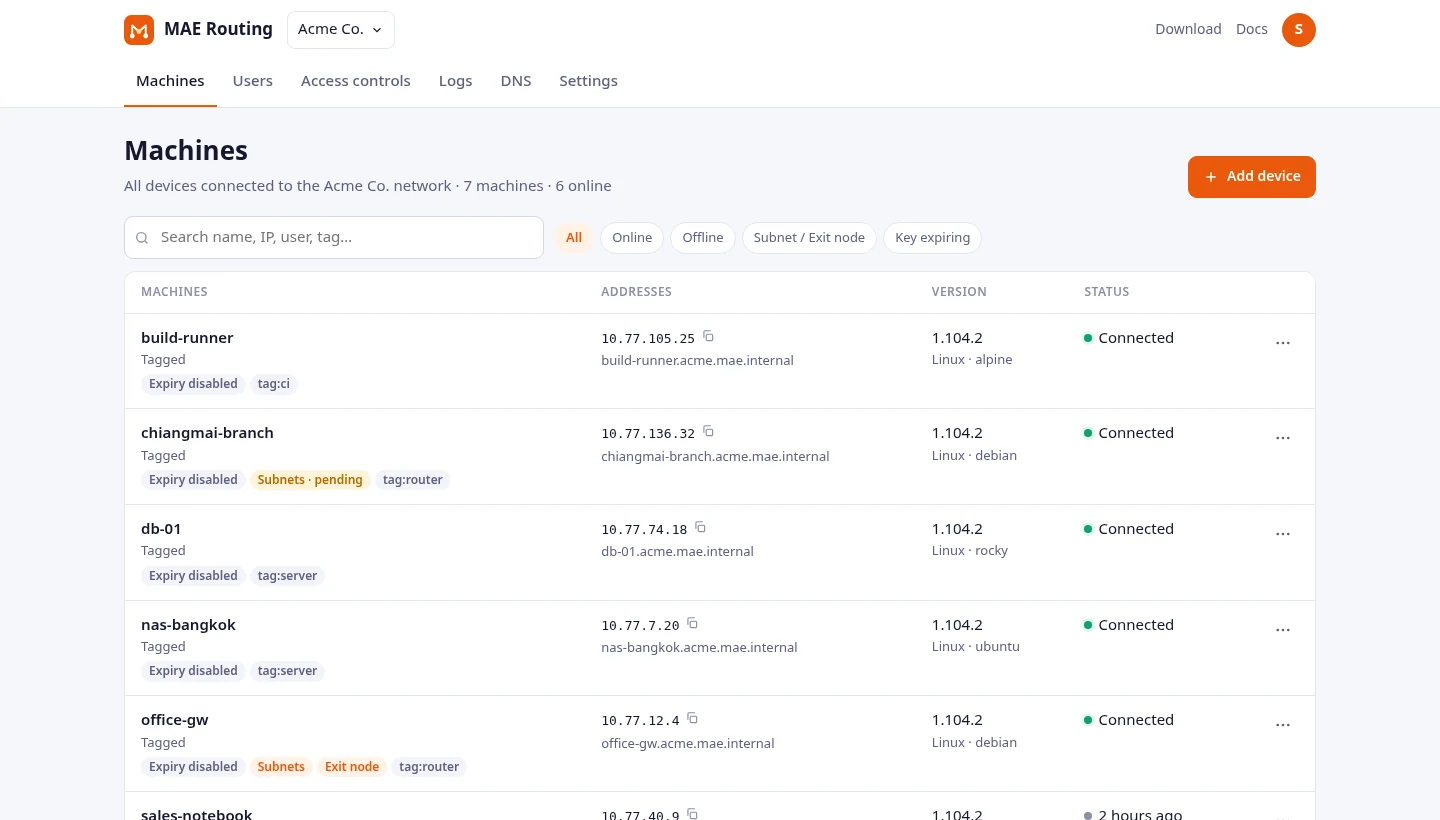
Add machines, decide who can reach what, and keep an eye on every change, from a browser.
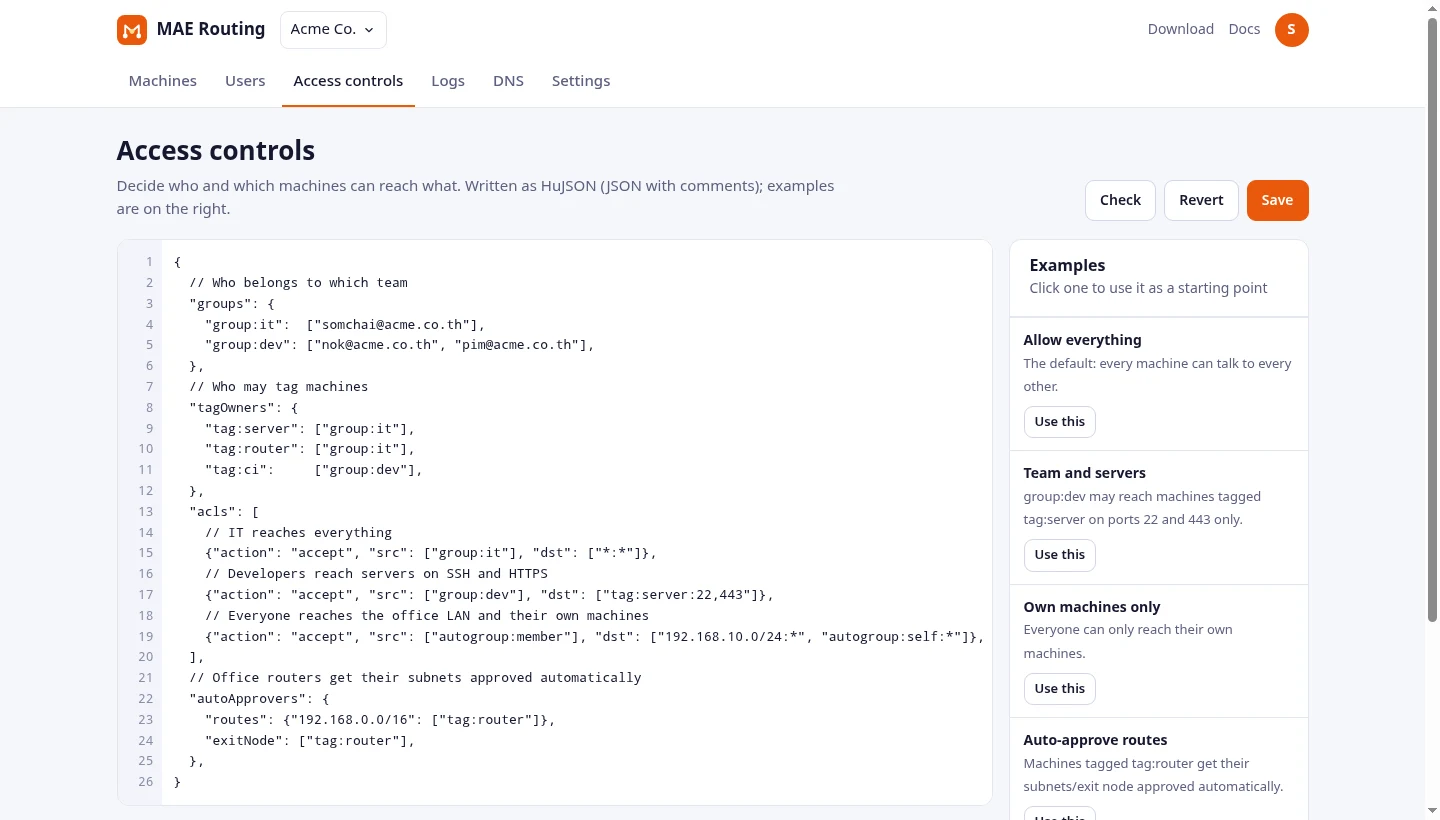
Write access rules once and every machine follows them within seconds.
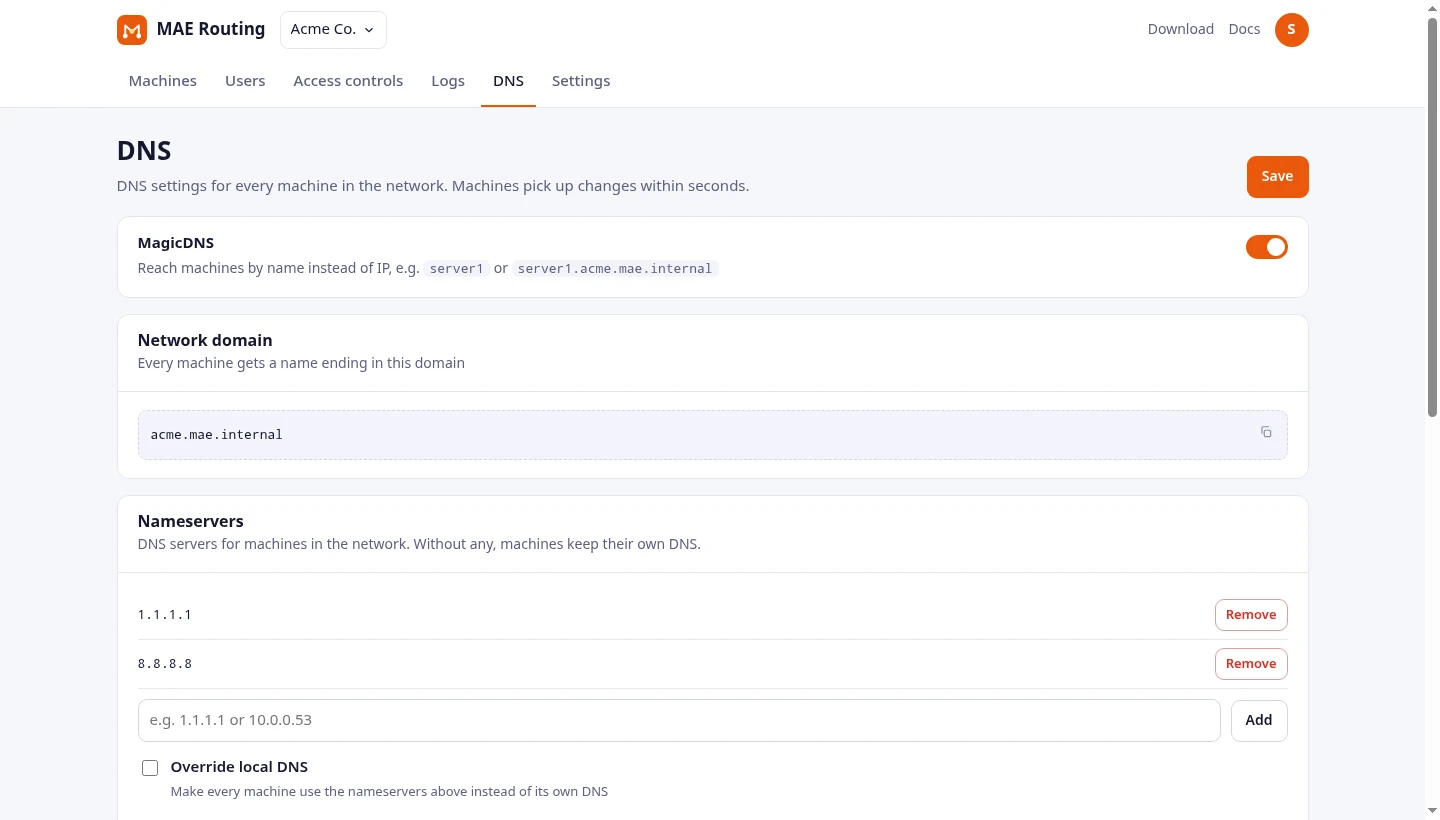
Every machine gets a name like nas.yourorg.mae.internal that follows it wherever it goes.
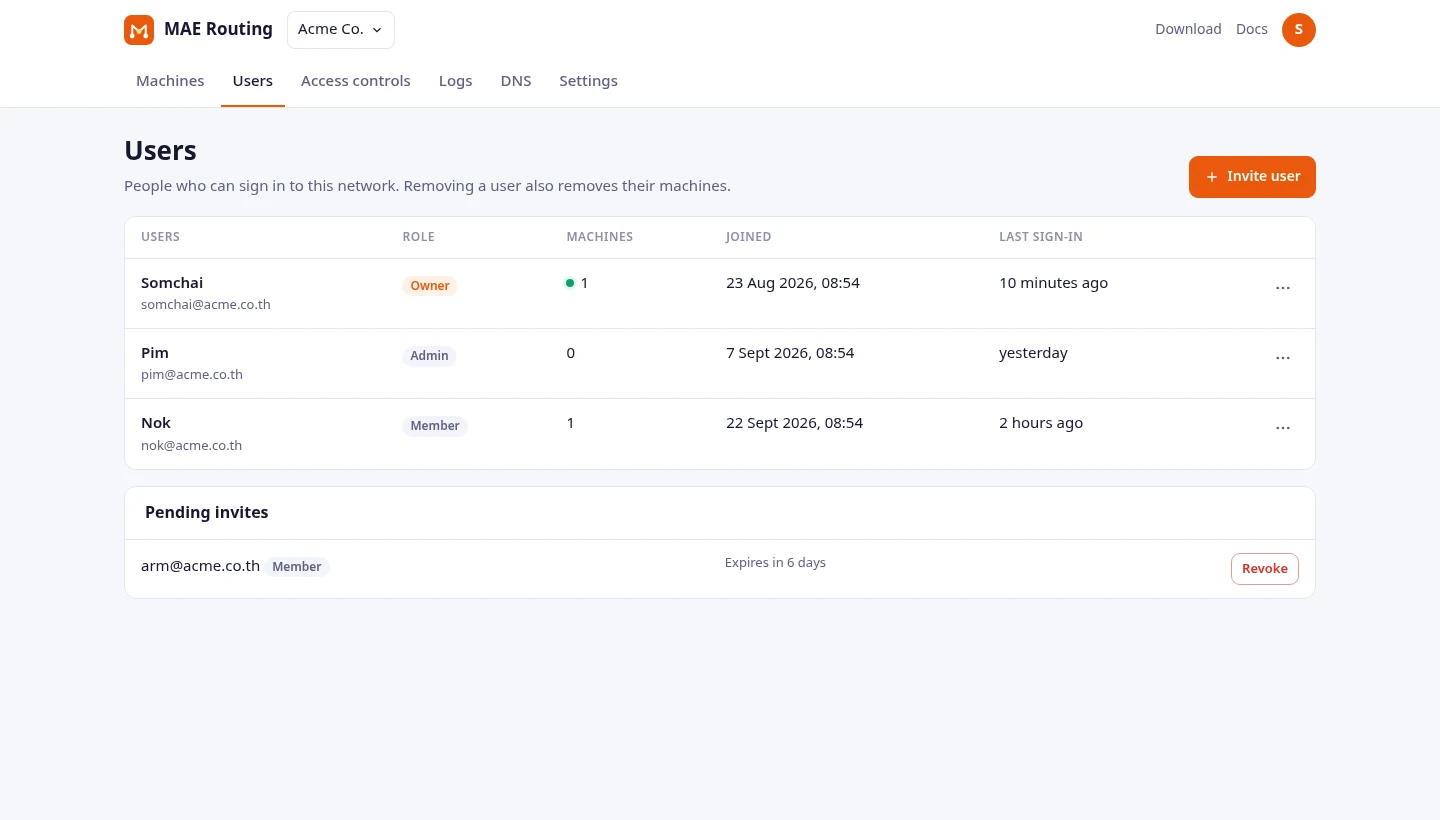
Invite people with a link. Members add their own devices; admins manage the network.
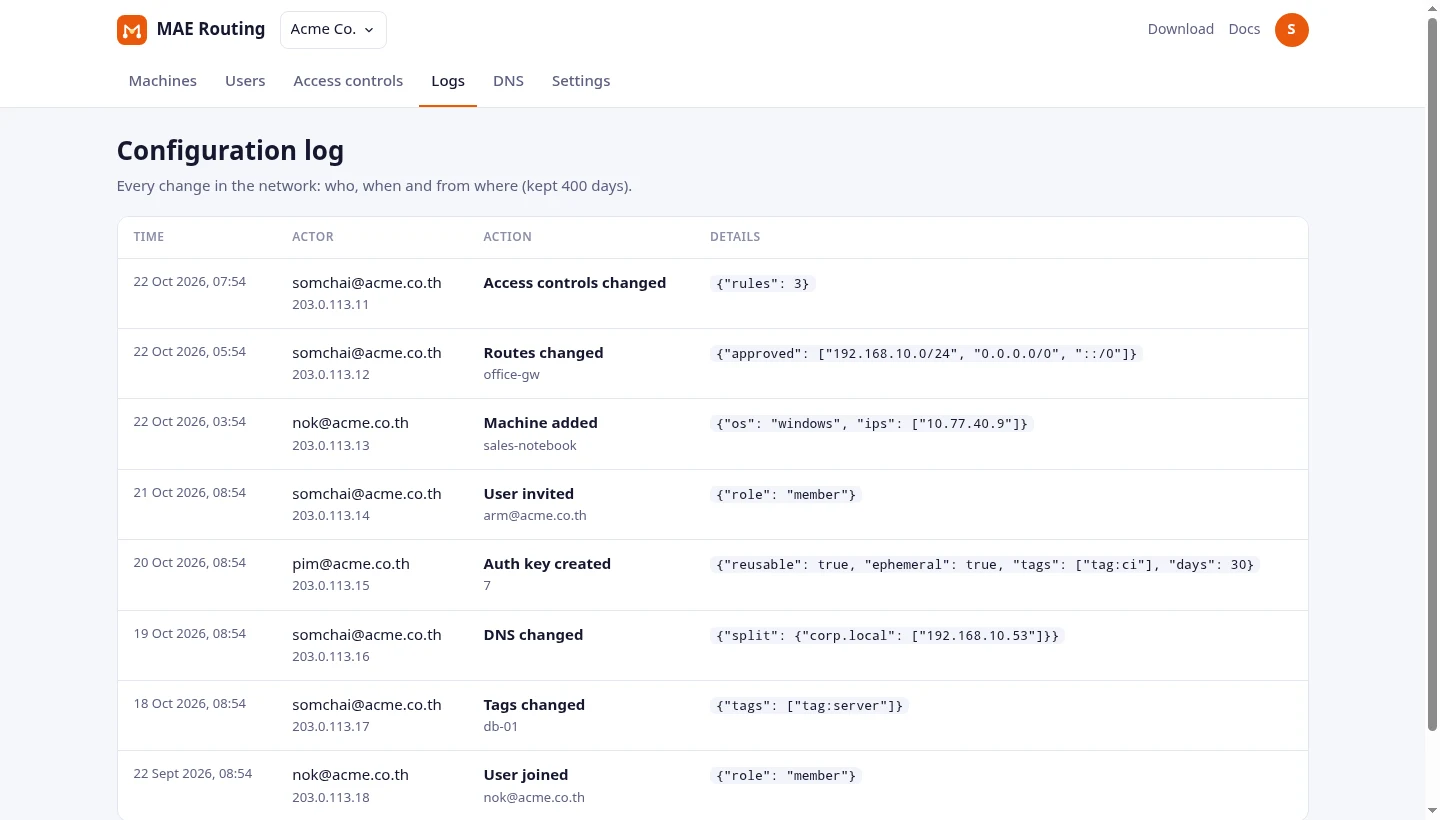
Every change to the network is recorded with the person, time and address it came from.
Devices talk to each other directly. When a network blocks that, traffic passes through our relay in Bangkok, still encrypted.
Machines only make outgoing connections, so nothing on your router or firewall changes.
One line on Linux, one installer on Windows, one variable in Docker.
Every feature and unlimited users on the Free plan. No credit card. More machines with a paid plan.
Teams
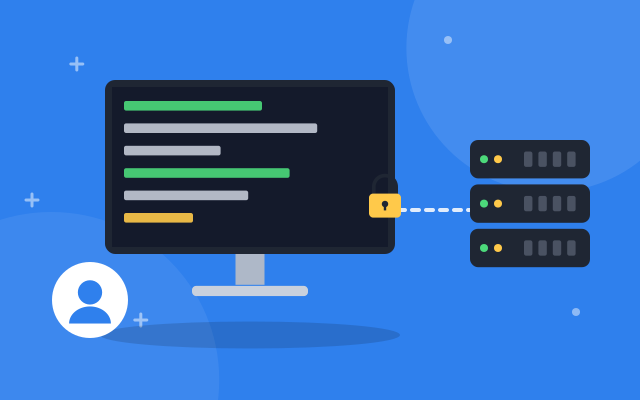
A Windows installer, or one command on any Linux. Users sign in with their work email.
No concentrator to patch or scale. Devices connect straight to each other.
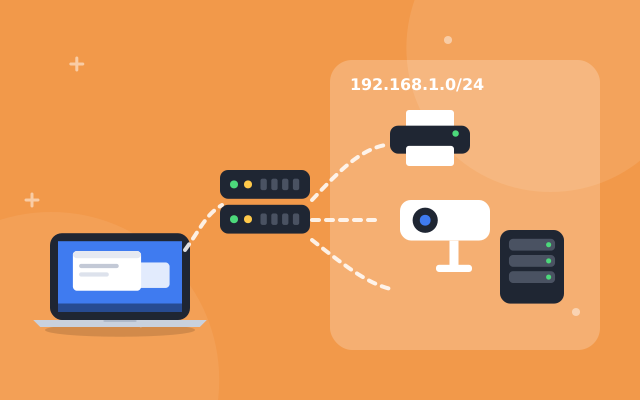
A subnet router in each office brings printers, cameras and NAS along.
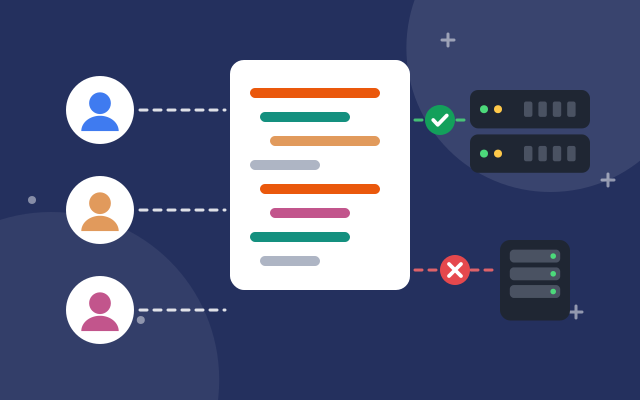
Write rules by user, group, tag and port. Once rules are set, anything they do not allow is blocked.
Device keys expire after 180 days by default, so lost laptops drop off on their own.
Every configuration change is logged for 400 days.
Reusable, ephemeral and tagged keys for servers, containers and CI jobs.
A Docker image for amd64, arm64 and armv7, with or without a TUN device.
Route whole subnets, or send all traffic out through a machine you choose.
Every machine keeps its 10.77.x.x address and name, wherever it connects from.
SSH over the network, confirmed in the browser when the policy asks for it.
Its own address range, port and rules, so it runs next to other mesh VPNs.
Most teams connect their first machines in under five minutes.
Sign up and pick a network name. You get your own private network and admin console.
On Linux, one command installs the app and joins your network:
curl -fsSL https://routing.maesuaisystem.com/install.sh | sudo sh -s -- --org your-networkOpen the link the app shows, sign in and press Connect. The machine gets its address and name.
See the guide